Unidentified Falling Objects / GAME HISTORY
UFO Select and Back on One Key: The Control-Reset Workaround
A 2023 Unidentified Falling Objects thread describes controls becoming unusable after Select and Back were assigned to the same input. Named respondent morrish later reported a fix; the earlier workaround resets two input files, not the whole save folder.
Short answer
A 2023 Unidentified Falling Objects thread describes controls becoming unusable after Select and Back were assigned to the same input. Named respondent morrish later reported a fix; the earlier workaround resets two input files, not the whole save folder.
Scope: Windows/Steam configuration files in the August 2023 discussion. No exact update version or equivalent console procedure was verified.
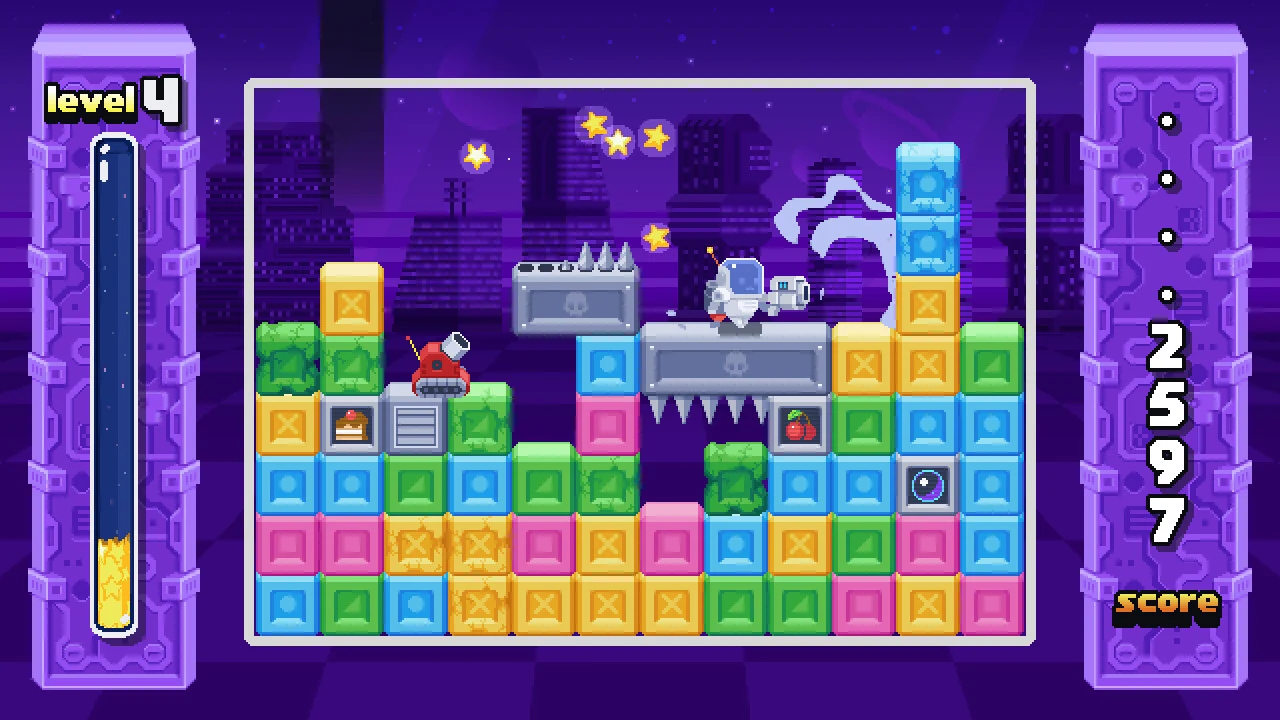
The mistake could block the way back to settings
Howphile reported assigning the same command to Select and Back on both keyboard and controller. That left no usable route to change the mappings or continue normally. The problem was access through the menu, not proof that the campaign save had been erased.
Preserve saves while resetting the bindings
The discussion names gamepad.txt and keyboard.txt beside the saves in AppData/Local/UFO. Before changing anything, close the game and retain a copy of that folder.
- Find the UFO folder under your Windows user’s AppData/Local directory.
- Identify gamepad.txt and keyboard.txt specifically.
- Keep backup copies, then rename those two configuration files rather than deleting the entire folder.
- Launch the game and check the restored input configuration.
The distinction between Local and Roaming matters. A Windows shortcut that opens Roaming does not mean the game’s folder is stored there. This procedure is a Windows community workaround, not an instruction for a console.
The later reply changes the first step
Morrish first proposed a forthcoming patch, then reported that the issue should be fixed and overlapping assignments prevented. The reply suggested restarting Steam to obtain the update. The checked page did not establish morrish’s developer identity or an exact version number, so this remains a named respondent’s report rather than an independently verified official patch announcement.
What the workaround can and cannot recover
Try the available update before editing configuration. If the input lock remains, target the two named files and preserve the saves. Resetting bindings can restore menu access in the reported case; it does not prove a damaged campaign has been repaired or that every control problem has the same cause.
Join the conversation
Have a question, correction or a different take? Share it below. Comments appear immediately after submission.
Reader comments
Loading comments…